
AI WORKFLOW AUTOMATION

Workflow Automation Services

Automate repetitive business processes with AI-powered workflows, system integrations, approval logic, and intelligent task execution. Grayphite builds workflow automation solutions that help teams reduce manual work, connect fragmented systems, improve operational speed, and create more reliable processes across departments. From internal operations to customer-facing workflows, we design automation systems that fit your tools, data, and business rules.

Overview

When Does Your Business Need Workflow Automation?

Your business may need workflow automation when teams are spending too much time on manual tasks, repeated handoffs, data entry, approvals, reporting, or moving information between tools.

Workflow automation is useful when a process follows repeatable steps but still requires context, business rules, integrations, or human approval at certain points.

Signs your business may need workflow automation

  • Employees spend time copying data, updating records, sending follow-ups, creating reports, or handling routine requests.
  • Processes slow down because tasks depend on approvals, handoffs, status updates, or manual coordination across teams.
  • Information is spread across CRMs, spreadsheets, databases, emails, Slack, ticketing tools, ERPs, and internal platforms.
  • Important details are missed, duplicated, or entered incorrectly when teams move information between systems.
  • It is difficult to know where a request stands, who owns the next step, or why a workflow is delayed.
  • You need AI to classify requests, summarize information, route tasks, trigger actions, or support decision-making inside workflows.
Team collaborating with AI systems and agents
Business Value

Why Businesses Invest in Workflow Automation

Businesses invest in workflow automation to reduce manual effort, improve process speed, lower operational errors, and create more consistent execution across teams. Unlike basic task automation, AI-powered workflow automation can combine business rules, system integrations, data retrieval, document processing, human approvals, and intelligent decision support.

Benefits of Workflow Automation

Reduce manual work

Automate repetitive tasks such as request routing, data entry, reporting, ticket creation, follow-ups, approvals, and status updates.

Improve process speed

Move work forward faster by reducing delays between tools, teams, and decision points.

Increase operational visibility

Track workflow status, ownership, bottlenecks, completion rates, and exceptions in one structured process.

Connect fragmented systems

Integrate CRMs, ERPs, databases, spreadsheets, communication tools, ticketing platforms, and internal applications.

Reduce errors and rework

Improve consistency by standardizing workflows, validation rules, notifications, and handoffs.

Scale operations efficiently

Handle more requests, cases, customers, reports, or internal tasks without increasing manual workload at the same rate.

CAPABILITIES

Key Features & Capabilities of Workflow Automation

Grayphite builds workflow automation solutions with the right mix of AI, integrations, business logic, monitoring, and human oversight.

Process Mapping & Workflow Design

Map workflows, identify bottlenecks, define automation opportunities, and design cleaner operating processes.

System & API Integrations

Connect CRMs, ERPs, ticketing tools, communication platforms, databases, dashboards, and internal systems.

AI-Powered Task Routing

Classify requests, detect intent, identify priority, route tasks, and assign ownership automatically.
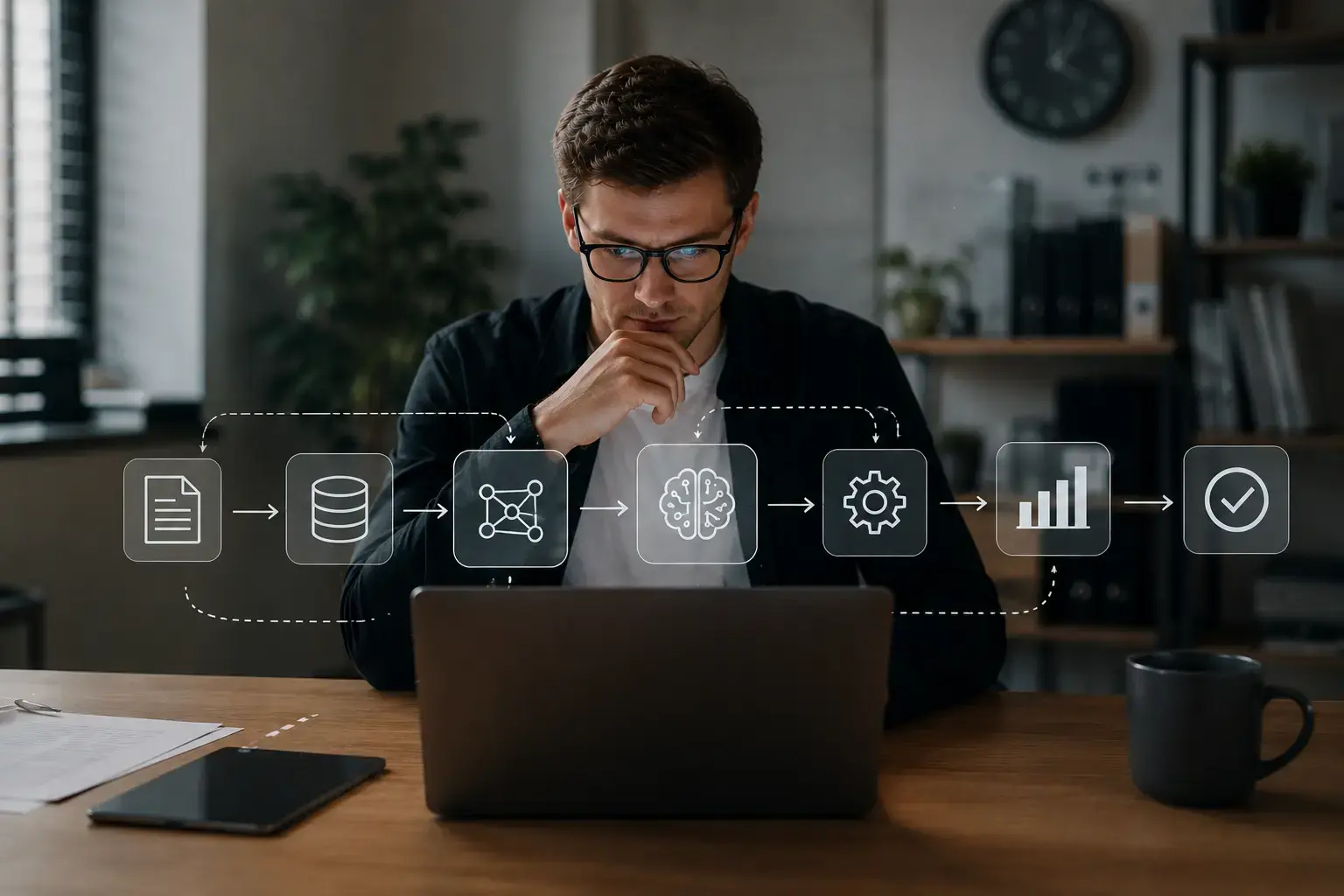
Document Processing & Extraction

Extract, summarize, classify, and validate information from PDFs, forms, emails, spreadsheets, and documents.

Data Entry & Record Updates

Automate repetitive data entry, CRM updates, ticket creation, field changes, and database operations.
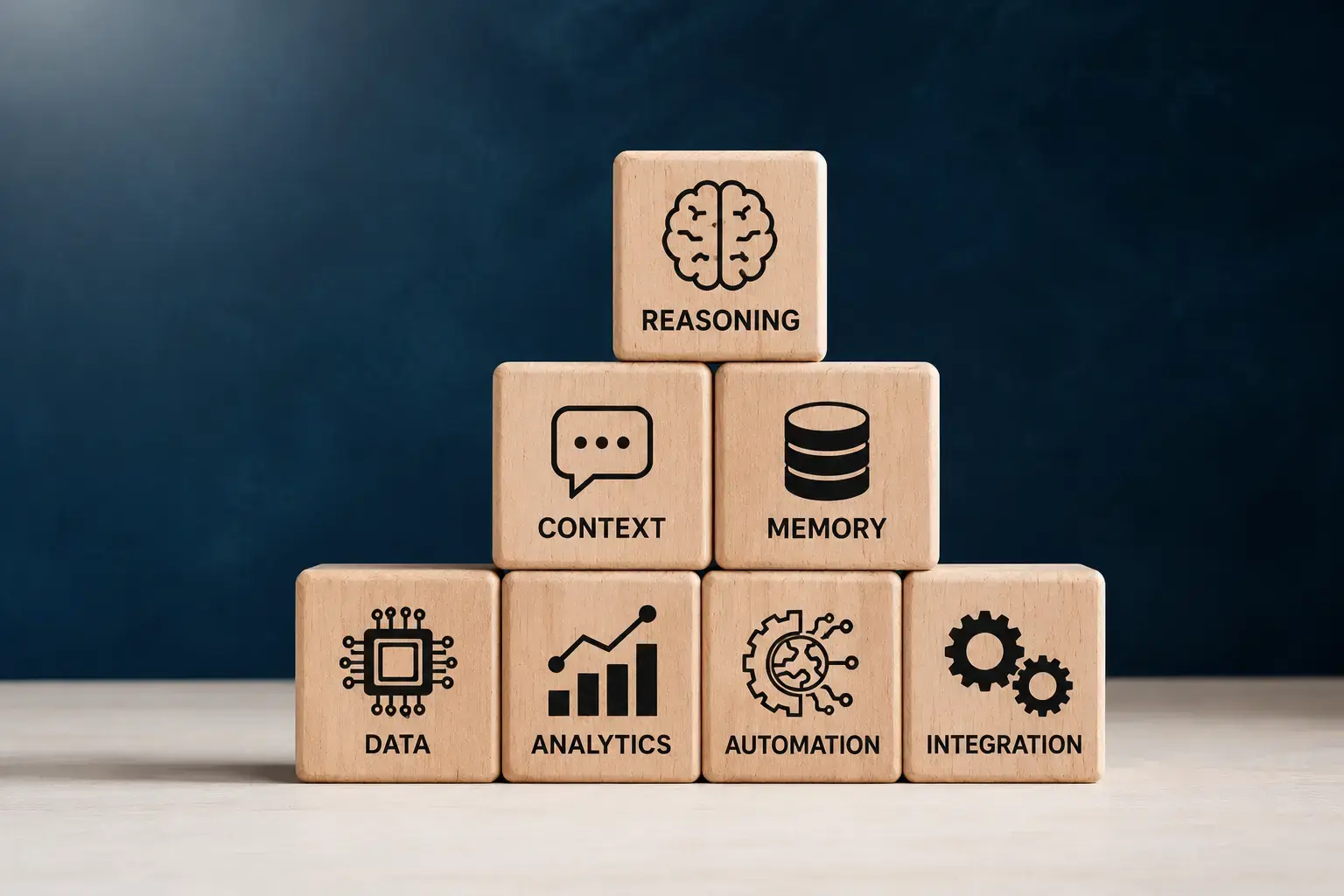
Approval Workflows

Add review queues, approval checkpoints, escalation paths, audit trails, and human-in-the-loop controls.

Notifications & Follow-Ups

Automate email, Slack, Teams, ticketing, and in-app notifications based on workflow events.
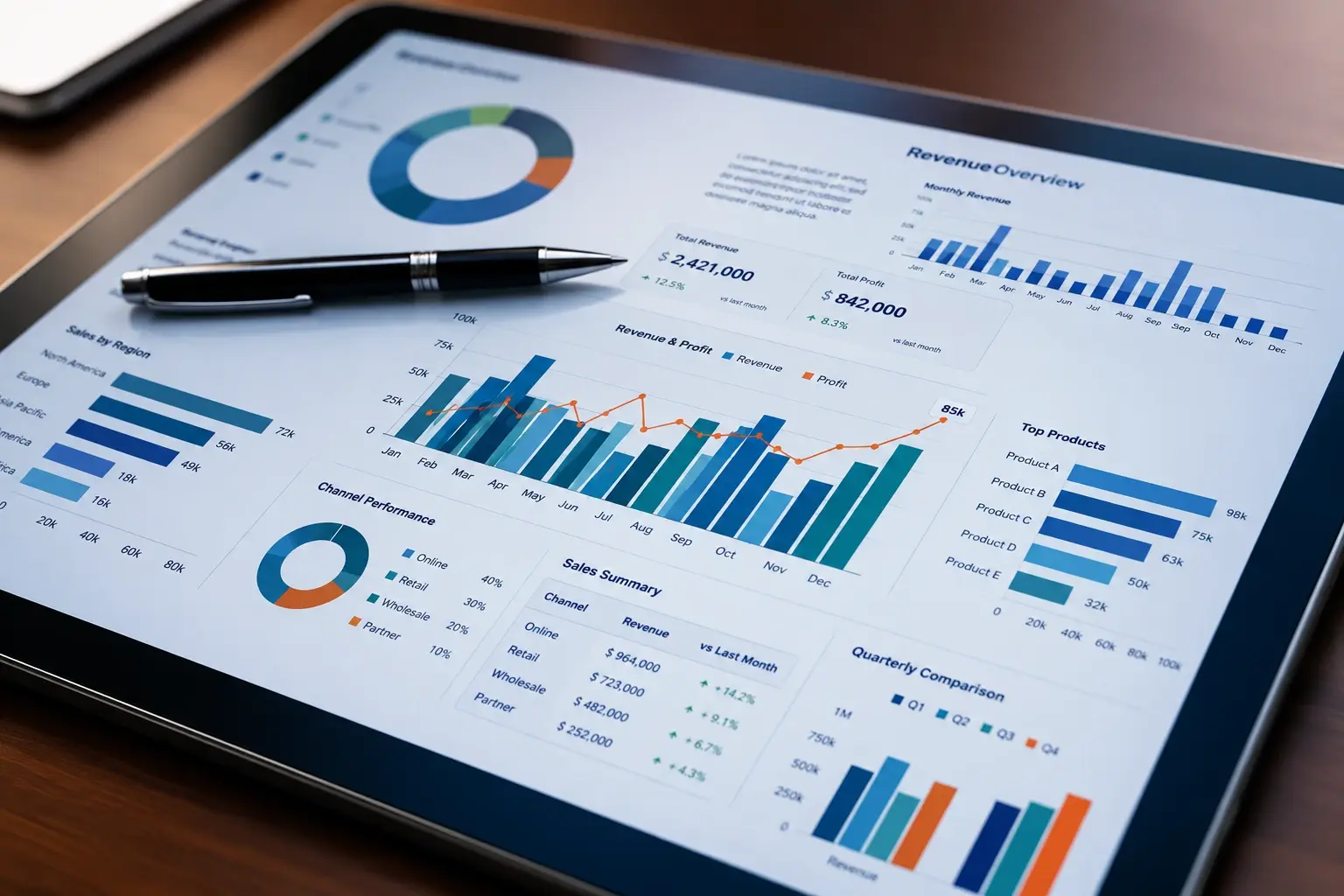
Reporting & Process Visibility

Track workflow status, completion time, ownership, bottlenecks, exceptions, and operational performance.

Industry applications

Workflow Automation Use Cases by Industry

Workflow automation can be tailored to the operational processes, systems, compliance needs, and customer workflows of each industry.

HealthTech

Workflow automation helps HealthTech businesses reduce administrative workload, improve coordination, and support more reliable healthcare operations.

  • Patient intake workflow automation
  • Appointment scheduling and reminders
  • Medical document routing and summarization
  • Internal request and approval workflows
  • Healthcare operations reporting automation
Healthcare technology

FinTech & Financial Services

Workflow automation helps financial organizations improve document-heavy processes, compliance operations, onboarding, and internal approvals.

  • Customer onboarding automation
  • KYC document collection and routing
  • Compliance review workflows
  • Financial reporting automation
  • Internal approval and escalation workflows
Financial dashboards

Ecommerce

Workflow automation helps ecommerce businesses streamline customer operations, product workflows, order management, and support processes.

  • Order and returns automation
  • Customer support ticket routing
  • Product catalog update workflows
  • Inventory notification workflows
  • Customer follow-up automation
Retail and e-commerce

AdTech

Workflow automation helps AdTech and marketing teams reduce manual reporting, campaign coordination, and operational follow-ups.

  • Campaign setup workflows
  • Performance reporting automation
  • Creative approval workflows
  • Audience data routing
  • Marketing operations task automation
Marketing analytics

EdTech

Workflow automation helps education businesses improve student support, content operations, admissions, and administrative workflows.

  • Student onboarding workflows
  • Course enrollment automation
  • Assessment review workflows
  • Learning content approval workflows
  • Admin support ticket automation
Learning platforms

Consulting

Workflow automation helps consulting firms improve research, proposal creation, delivery coordination, and internal knowledge processes.

  • Proposal workflow automation
  • Client onboarding workflows
  • Document review and routing
  • Research summary workflows
  • Internal task and approval automation
Enterprise operations
Technology ecosystem

Technologies Used for Workflow Automation

We use AI models, automation frameworks, APIs, cloud infrastructure, backend systems, and enterprise integrations to build secure and scalable workflow automation solutions.

AI Models

Automation and Orchestration

Backend Engineering

Data and Retrieval

Powered byGrayphiteAI Stack

Workflow and Integration Layer

Cloud and Infrastructure

Enterprise Integrations

AI Project Estimator

Estimate Your AI Systems & Agent Project

Estimate your AI opportunity in minutes. Answer a few questions about your business goals, workflows, integrations, and data sources, and we will help you identify the likely scope, complexity, and recommended starting point for your AI project.

  • Get an initial project estimate
  • Identify the right AI solution
  • Understand delivery complexity
  • Receive a recommended next step
Start AI Project Estimator
Our process

How Workflow Automation Works

Workflow automation connects tasks, systems, data, business rules, AI logic, and human approvals into a structured process that can run reliably. A well-designed workflow automation system does not simply trigger one action. It understands inputs, routes work, retrieves data, applies rules, performs actions, requests approvals, updates systems, and monitors outcomes.

Workflow discovery
We identify the process, users, systems, inputs, approvals, exceptions, and outcomes that need to be automated.
Trigger and input capture
The workflow starts from an event such as a form submission, email, ticket, CRM update, file upload, API call, or scheduled task.
Data retrieval and validation
The system pulls relevant information from connected tools, validates fields, checks business rules, and identifies missing data.
AI-assisted processing
AI can classify requests, summarize documents, extract information, generate responses, recommend next steps, or route work.
System actions and integrations
The workflow can create tickets, update CRM records, send notifications, generate reports, assign tasks, or call internal APIs.
Human approval or escalation
Sensitive actions can be routed to the right person for review, approval, rejection, or exception handling.
Completion and system updates
The automation completes the process, updates relevant systems, notifies stakeholders, and records activity.
Monitoring and optimization
Workflow performance is tracked to identify bottlenecks, errors, delays, and improvement opportunities.
Comparison

Workflow automation vs. traditional manual processes.

Area
Workflow Automation
Traditional Manual Process
Task execution
Automated through rules, AI, and integrations
Completed manually by team members
Speed
Faster because steps move automatically
Slower due to handoffs and follow-ups
Accuracy
More consistent with validation and structured logic
Higher risk of missed or incorrect data
Visibility
Centralized tracking and workflow history
Status often spread across tools and messages
Tool usage
Systems are connected through APIs and automation
Teams switch between systems manually
Approvals
Structured approval flows with escalation paths
Managed through emails or messages
Best for
Repetitive, rule-based, data-heavy, or multi-system workflows
Low-volume or highly variable tasks
Why Grayphite

Why Choose Grayphite for Workflow Automation?

Grayphite combines AI engineering, software development, cloud infrastructure, product thinking, and enterprise integration experience to build workflow automation systems that work in real business environments.

Workflow-First Thinking

We begin by understanding your actual process, users, systems, handoffs, bottlenecks, and business rules before building automation.

AI-First Engineering

We use AI where it creates practical value, such as classification, summarization, routing, document extraction, and decision support.

Enterprise Integration Experience

We connect automation systems with your existing CRMs, ERPs, databases, ticketing tools, communication platforms, and internal applications.

Human-Controlled Automation

We design approval flows, escalation paths, audit trails, and human-in-the-loop controls for sensitive or high-impact workflows.

Secure and Scalable Architecture

We plan for permissions, monitoring, reliability, performance, maintainability, and long-term operational support.

End-to-End Delivery

Our team supports discovery, workflow design, architecture, development, testing, deployment, and continuous optimization.

FAQ

Frequently Asked Questions

What is workflow automation?+
Workflow automation is the process of using software, integrations, business rules, and AI to automate repeated tasks, handoffs, approvals, notifications, and system updates across a business process.
What is AI workflow automation?+
AI workflow automation uses artificial intelligence to support tasks such as classification, summarization, document extraction, routing, recommendations, and decision support within automated workflows.
What business processes can be automated?+
Common processes include customer onboarding, support ticket routing, reporting, document processing, approvals, data entry, CRM updates, notifications, follow-ups, HR workflows, finance operations, and internal requests.
How is workflow automation different from robotic process automation?+
Workflow automation connects systems, business logic, approvals, and APIs around a process. Robotic process automation often imitates user actions on screens. Many businesses use both depending on the workflow and system limitations.
Can workflow automation integrate with existing software?+
Yes. Workflow automation can integrate with CRMs, ERPs, databases, ticketing tools, communication platforms, cloud storage, calendars, spreadsheets, dashboards, and custom applications.
Can AI help automate document-heavy workflows?+
Yes. AI can extract information, classify documents, summarize content, identify missing fields, route files, and support review workflows for PDFs, forms, emails, spreadsheets, and reports.
Free consultation · 30 min

Get in touch

Send Brief

LET'S
TALK!

Send a Brief or reach an engineer directly. We reply within 24h — no sales loop, no funnel.

Talk to a person
LM

Luke Martins

Head of Client Relations
Paul Thimm

Paul Thimm

Engineering Lead
Salman Ayub

Salman Ayub

Sales Manager
24H reply
PDF · DOC · PPT · max 10 MB

By sending you accept our Privacy Policy. We'll only use your details to reply about your project.

San Jose · HQ

123 E San Carlos St, CA 95112

Open · local
London

71-75 Shelton St, Covent Garden

Open · local
Toronto

1 Yonge St, Ontario M5E 1W7

Open · local